
Help with your TikTok LIVE setup
Our dedicated gaming team helps gamers with their TikTok LIVE setup. We also support creators in every other niche who want help with LIVE Studio, OBS, audio, cameras or scenes. Music, art, chatting, ASMR, education and your own ideas all belong here.
Tell us what you want your LIVE to look and sound like, and where you are getting stuck. Our team can help you work through your setup and understand the available streaming options.
You do not need to be a gamer, use a desktop or take part in battles to join Infinitum. Explore support for your niche.
When can I request a TikTok LIVE stream key?
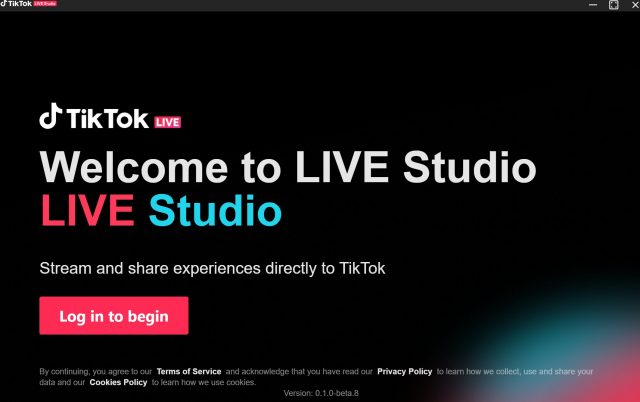
Once you have been in the Infinitum network for more than 15 days and completed the minimum LIVE requirements, contact our team to request stream-key access. The membership period starts when you join the network, not when you submit an application. Our team will check your LIVE activity, account eligibility and setup, then explain the next steps. Stream keys are requested, not automatically issued. TikTok controls account eligibility and feature activation. LIVE Studio access and an OBS/RTMP stream key are separate options. Keep your stream key private. Explore our LIVE Studio overview, creator guides and free tools.